> ## Documentation Index
> Fetch the complete documentation index at: https://docs.celo.org/llms.txt
> Use this file to discover all available pages before exploring further.
# MiniPay Deeplinks
Deeplinks let your Mini App interact with MiniPay's native features without manual navigation. They use the host `link.minipay.xyz` and can be triggered from external apps or from within MiniPay itself.
The user must have MiniPay installed and be logged in. Users without the app
are shown an install prompt.
## Available deeplinks
| Action | Deeplink | Description |
| ------------------- | ----------------------------------------- | --------------------------------------------------------------------------------------------------------------------- |
| Add cash | `https://link.minipay.xyz/add_cash` | Launches the add cash flow. Optionally scope the tokens with `?tokens=USDM,USDT` (supported: `USDM`, `USDT`, `USDC`). |
| Open Mini App | `https://link.minipay.xyz/browse?url=xxx` | Opens an approved Mini App at the given URL. |
| Discover tab | `https://link.minipay.xyz/discover` | Opens the Mini Apps discovery page. |
| Transaction receipt | `https://link.minipay.xyz/receipt?tx=xxx` | Shows the receipt for a transaction hash. Append `&celebrate` for a celebration animation. |
| QR code | `https://link.minipay.xyz/qr` | Shows the user's QR code. |
| Invite friends | `https://link.minipay.xyz/invite_friends` | Opens the invite friends screen. |
| Pockets | `https://link.minipay.xyz/balance` | Opens the balance (pockets) view. |
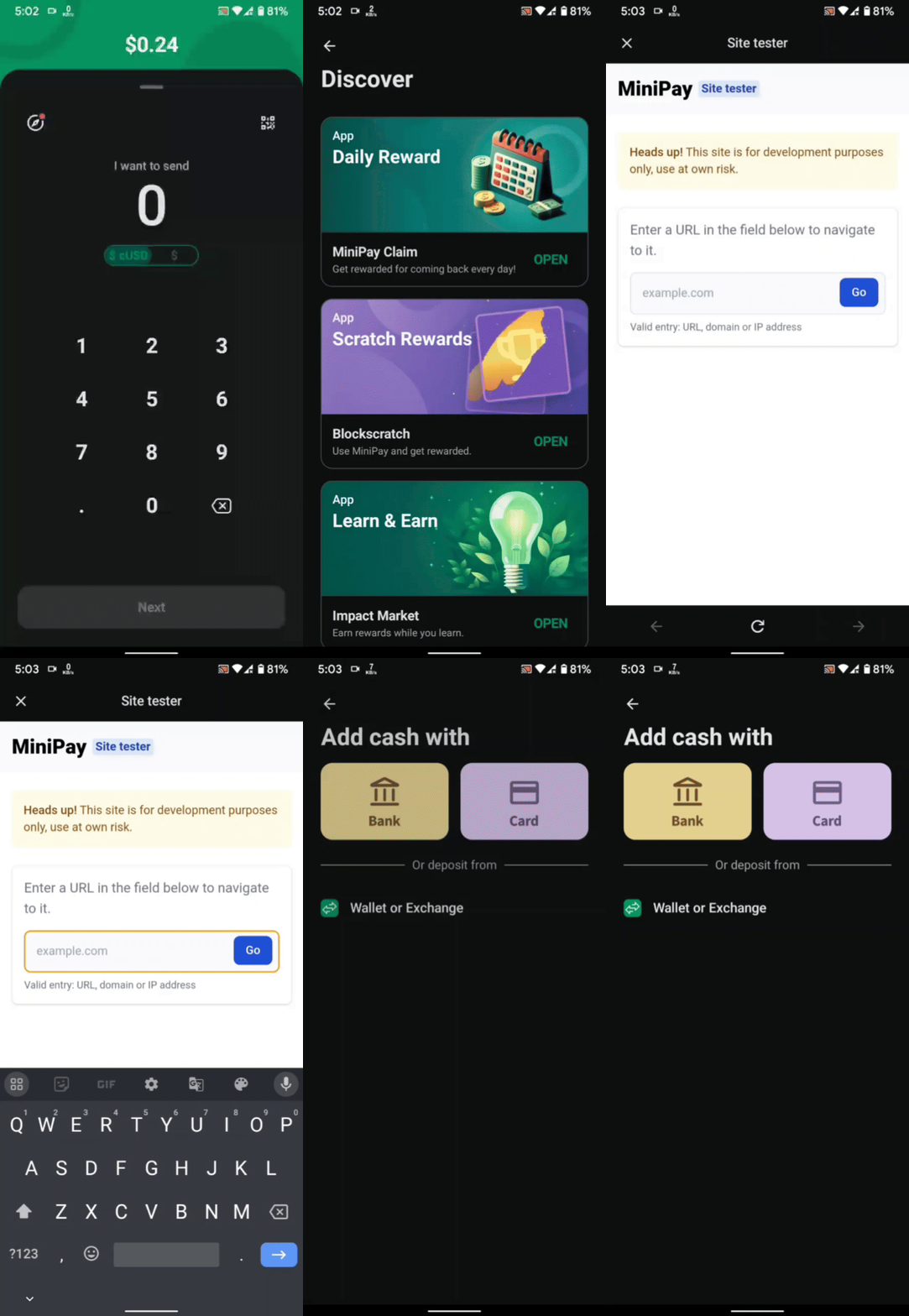
## Trigger the add cash screen
To trigger or redirect a MiniPay user to the add cash screen inside MiniPay, use the following link:
[https://link.minipay.xyz/add\_cash](https://link.minipay.xyz/add_cash)
To pre-select which tokens the user can add, pass the `tokens` query parameter, for example [https://link.minipay.xyz/add\_cash?tokens=USDM,USDT](https://link.minipay.xyz/add_cash?tokens=USDM,USDT).