> ## Documentation Index
> Fetch the complete documentation index at: https://docs.celo.org/llms.txt
> Use this file to discover all available pages before exploring further.
# Connect Ledger to Celo Terminal
How to connect a ledger wallet to Celo Terminal.
***
## Download Celo Terminal
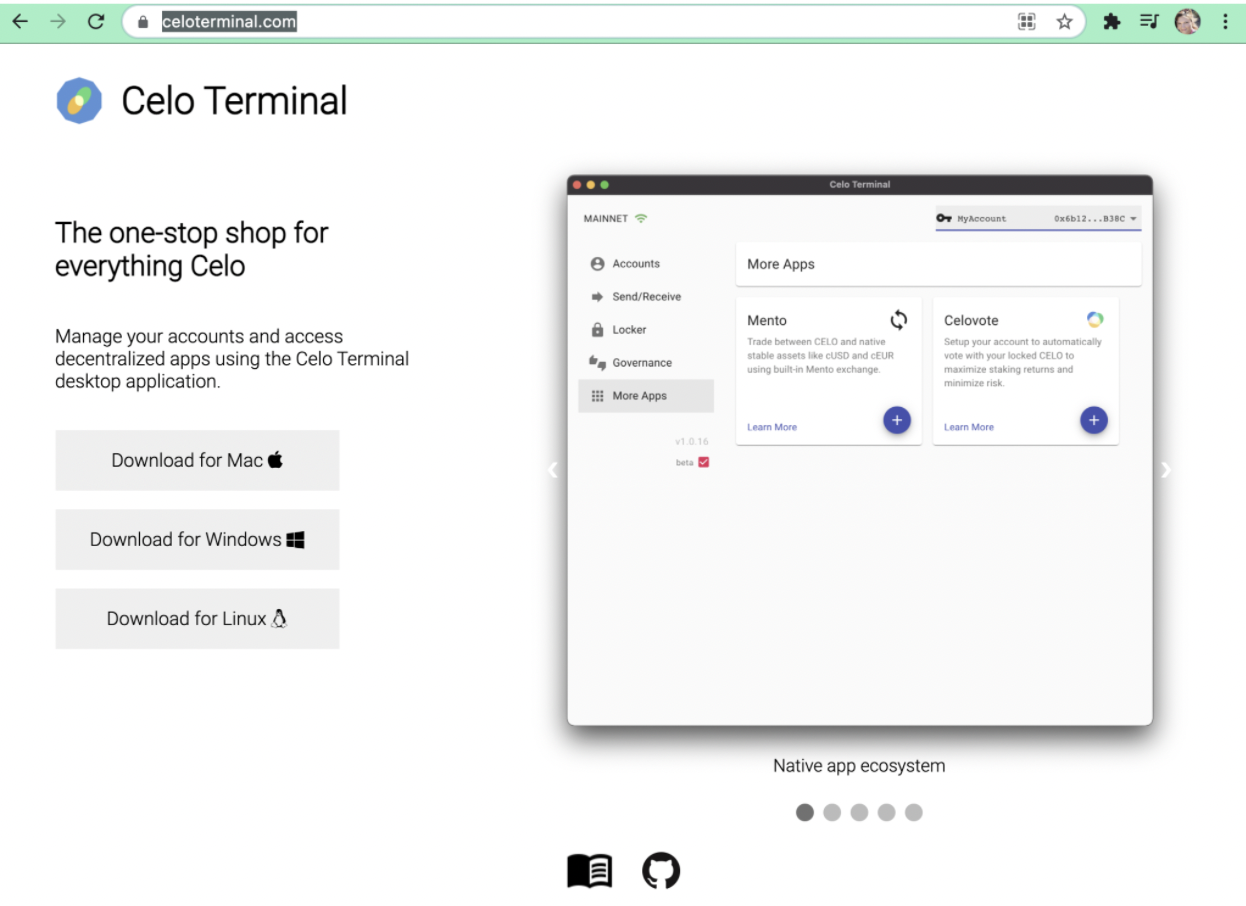
Navigate to [https://celoterminal.com/](https://celoterminal.com/) to download application for your OS type.
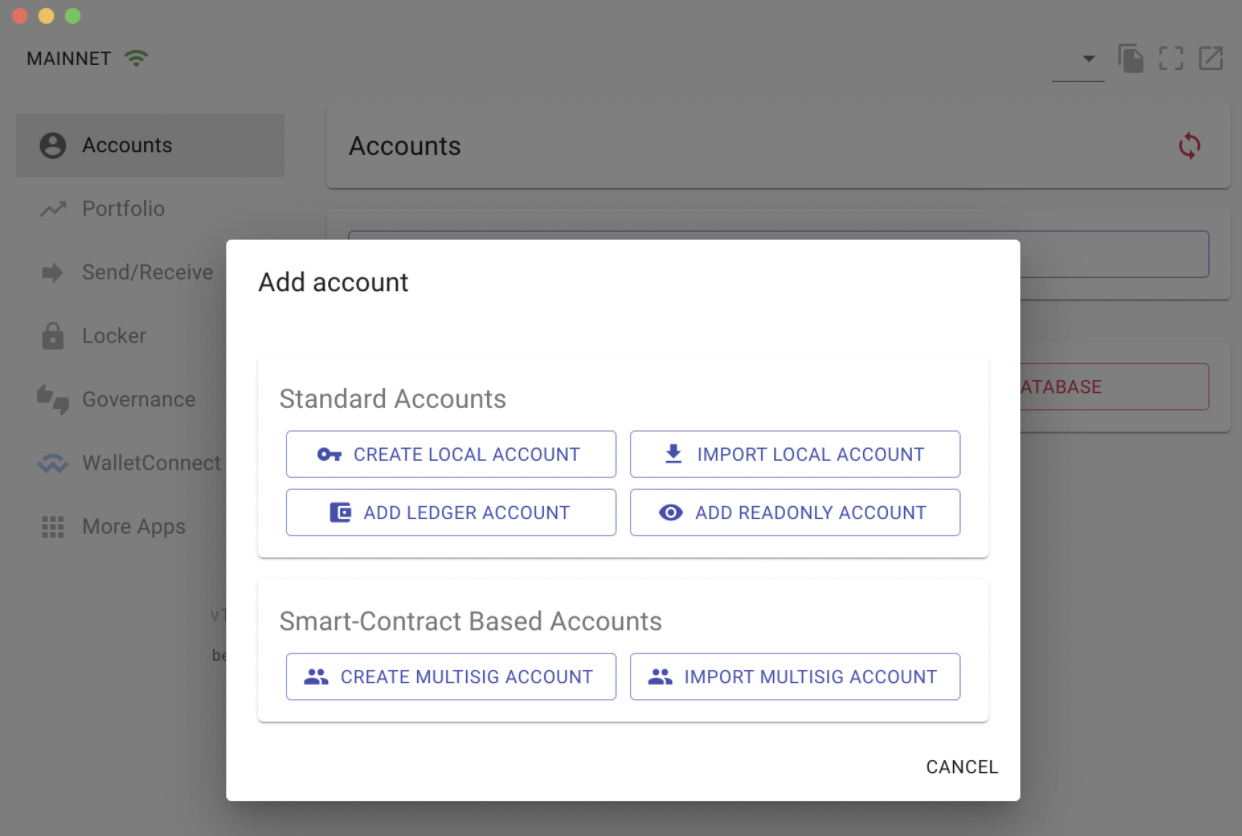
## Add Account
Select “Add account”

## Add Ledger Account
Connect your ledger device and choose “Add Ledger Account”
## Choose your Account
A new window will appear listing available accounts, the default is selected (index 0). Choose your account, default selection typically works for standard accounts.
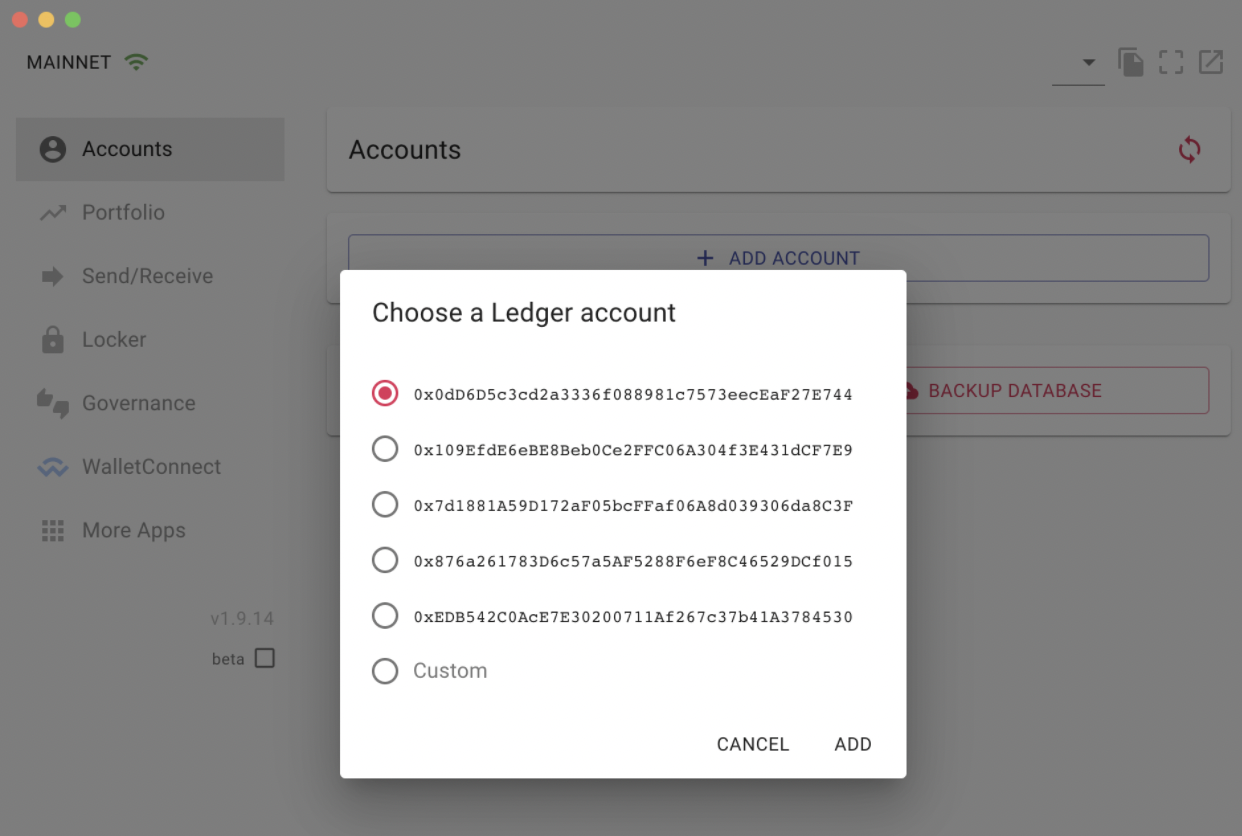
After selecting “Add” you will need to confirm the address with your ledger device.
Congrats, you have successfully attached your Ledger account to Celo Terminal.
## Known Limitations
The Celo Ledger app currently does not support signing EIP-712 typed data, which is required for Safe multisig transactions and certain dApps.
If you need to sign EIP-712 transactions, see the [EIP-712 Signing Workaround guide](/wallet/ledger/eip712-workaround) for detailed instructions on using the Eth Recovery app.